
How to check your domain expiry date (and never lose a domain again)
Your domain is the address of your whole business: website, email, logins. Here is how to find its expiry date, what happens after it lapses, and how to get warned in time.
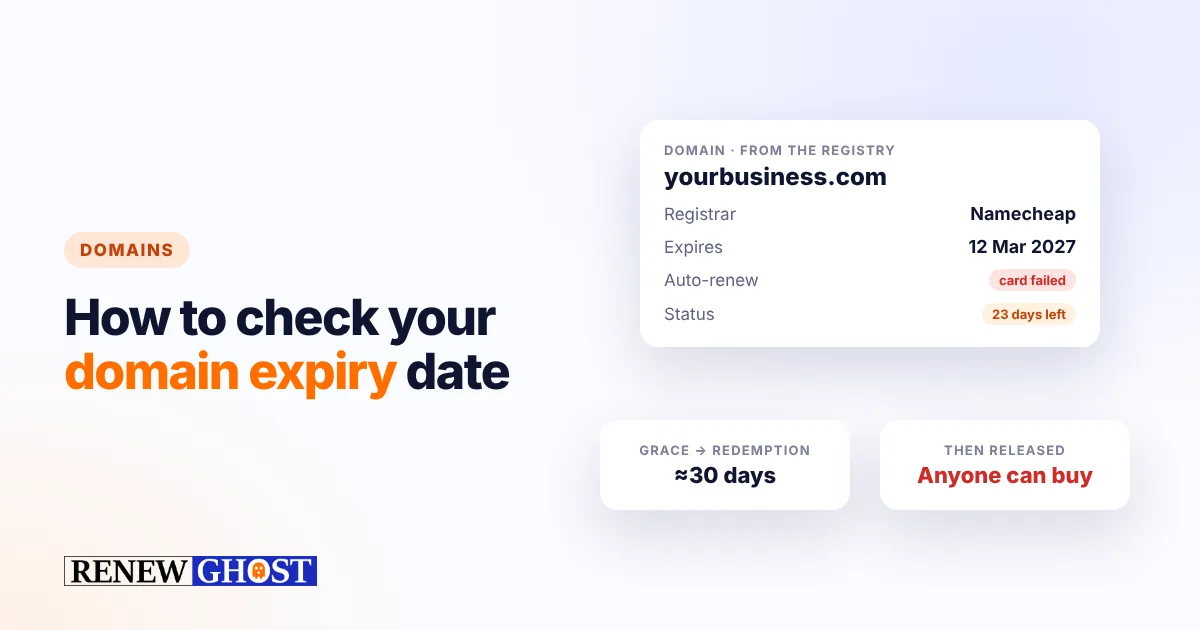
Your domain name is the address of your whole business. When it expires, your website disappears, your email stops arriving and, in the worst case, someone else registers the name and you never get it back.
The good news: checking a domain’s expiry date takes a minute, and making sure you are warned in time takes even less.
How to find your domain’s expiry date
1. Ask the registry (RDAP or WHOIS)
Every domain registry publishes the registration data for its domains. The modern way to look it up is RDAP (the Registration Data Access Protocol), which has replaced WHOIS for generic domains like .com, .net and .org. Search for “RDAP lookup” or use your registrar’s WHOIS tool, enter your domain, and look for the expiration date field.
2. Look in your registrar account
Log in where you bought the domain (Namecheap, GoDaddy, Cloudflare, a local reseller…). The domain list shows the expiry date and whether auto-renew is switched on.
3. Let a tool check it for you
Doing this by hand once is easy. Remembering to do it for twenty domains, every year, is where things go wrong. RenewGhost reads the expiry date straight from the registry when you add a domain, and re-checks it every day.
What happens after a domain expires
The exact timeline depends on the extension and the registrar, but for most generic domains it looks like this:
| Stage | Roughly how long | What it means |
|---|---|---|
| Expiry day | — | The website and email may stop working within hours or days. |
| Renewal grace period | Often 0–45 days | You can usually renew at the normal price. |
| Redemption period | About 30 days | You can still recover it, but usually with a large restore fee. |
| Pending delete | About 5 days | Nobody can renew it; it is about to be released. |
| Released | — | Anyone can register the name — including domain investors. |
Country-code domains (such as .com.bd, .co.uk or .de) follow their own rules, and some have much shorter windows.
Why domains expire even with auto-renew on
- The saved card expired or was replaced, and the renewal charge failed.
- Renewal emails went to an old address — a former employee or a developer you no longer work with.
- The domain is in a client’s or freelancer’s account, so you never see the notices.
- Auto-renew was switched off during a transfer and never switched back on.
A simple domain checklist
- List every domain you own, including old brand names and defensive registrations.
- Check who controls each one — which registrar, which account, which email address.
- Make sure the registrant email is one you read, ideally a shared address.
- Renew important domains for several years at a time.
- Track the expiry dates in one place with alerts well before the date.
Get alerted before any domain expires
Add each domain to RenewGhost. It looks up the real expiry date from the registry, checks it daily (so you also see when a renewal went through), and emails you at 7, 3 and 1 day before the date. Agencies can keep a separate space per client and share it with that client.
Frequently asked questions
Is WHOIS still used? For generic domains, RDAP has replaced WHOIS as the official source of registration data. Many tools still call it “WHOIS lookup”, and the expiry date is the same.
Can I renew a domain after it expires? Usually yes during the grace period, and often during redemption for an extra fee. After that it is released and anyone can register it.
How many years can I renew a domain for? Most generic domains can be registered or renewed for up to 10 years in total.
Does RenewGhost need access to my registrar account? No. It only reads public registry data for the domain name you enter — it never needs passwords or API keys.
Keep reading
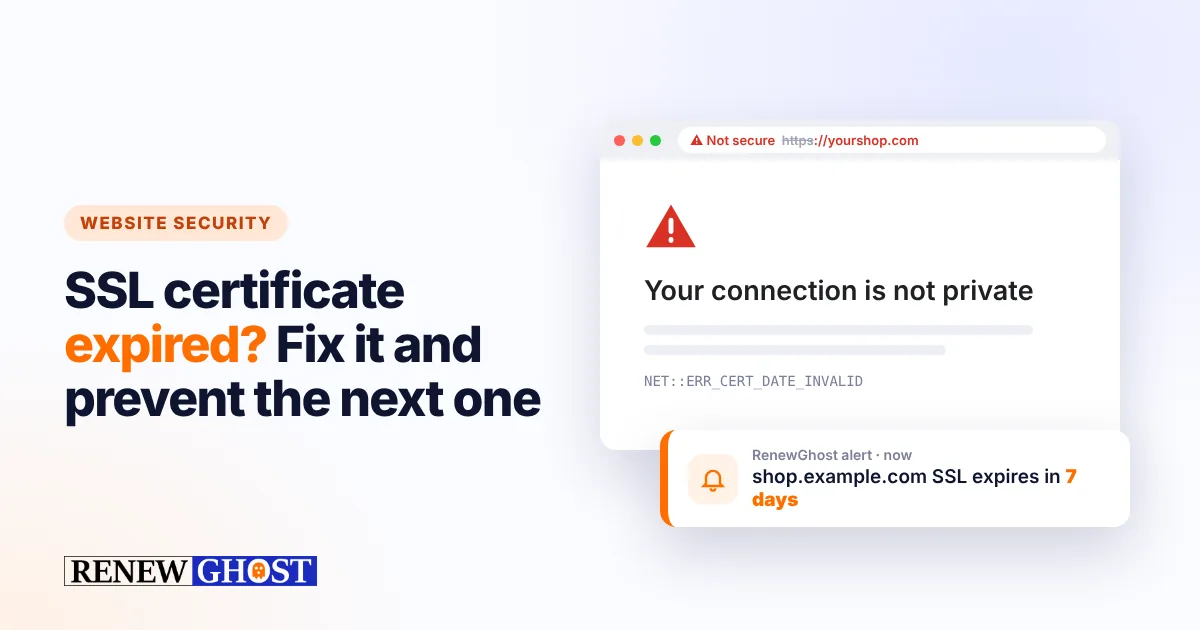
SSL certificate expired? What happens, and how to make sure it never does again
What visitors see when an SSL certificate expires, why it still happens with auto-renewal, how to fix it fast, and how to get alerts before the next one lapses.
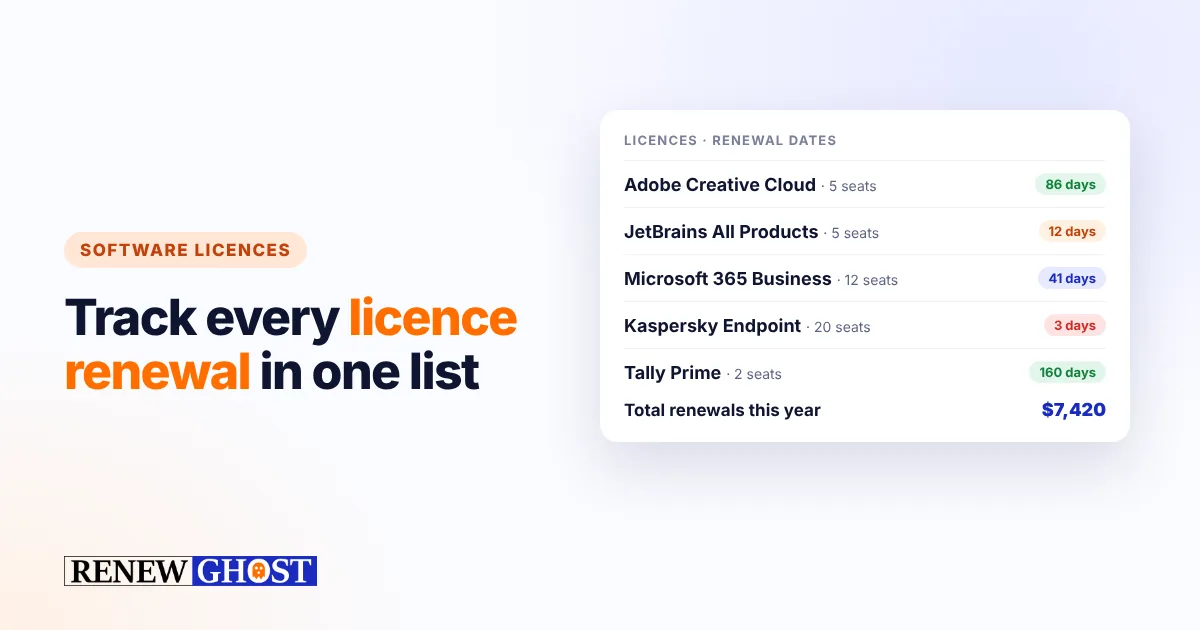
Software licence renewals: a simple tracking checklist for small businesses
Stop surprise renewals and lapsed licences. A practical checklist for tracking software licences, seats, owners and renewal dates in a small business.

Subscription tracker: find and cancel the SaaS subscriptions you forgot about
Most businesses pay for subscriptions nobody uses. How to find every recurring charge, decide what to keep, and get reminded before the next renewal.
Comments
No comments yet — start the conversation.