
SSL certificate expired? What happens, and how to make sure it never does again
An expired certificate turns your website into a red warning page in seconds. Here is what actually happens, why auto-renewal is not enough, and a simple way to get warned weeks in advance.
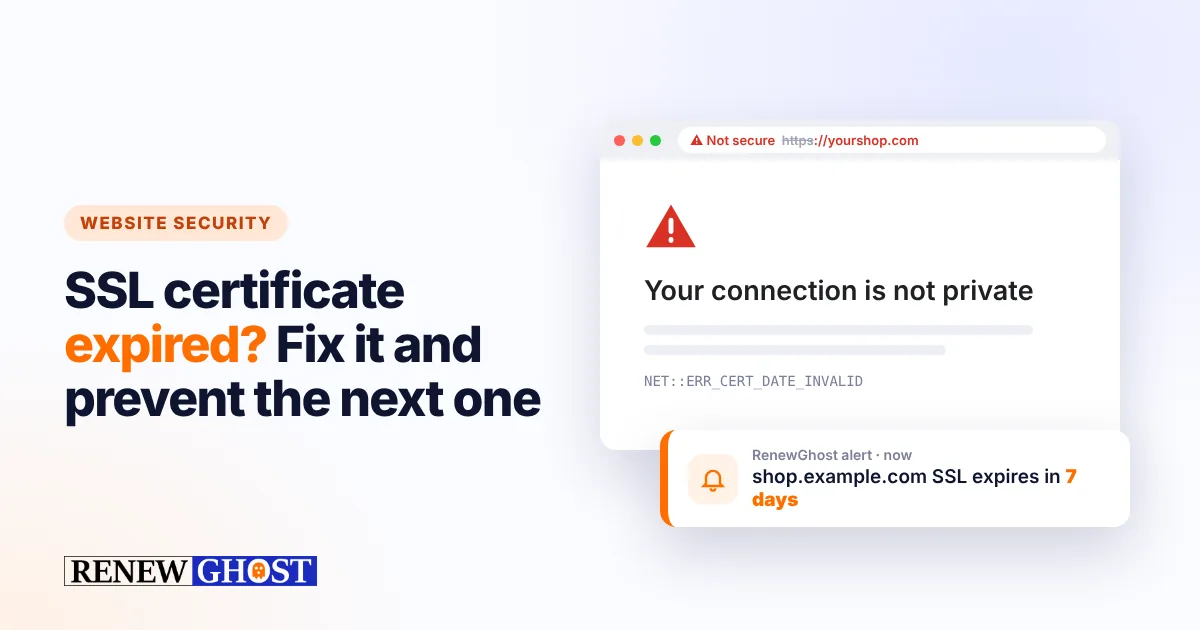
An expired SSL certificate is one of the most avoidable outages on the internet — and one of the most common. One day your website works; the next, every visitor sees a full-page red warning and most of them leave.
This guide explains what happens when a certificate expires, why it still happens to teams that use auto-renewal, how to fix it quickly, and how to make sure you hear about the next expiry weeks before it lands.
What visitors see when your SSL certificate expires
The moment a certificate passes its expiry date, browsers stop trusting it. Chrome shows “Your connection is not private” with the error code NET::ERR_CERT_DATE_INVALID; Safari and Firefox show similar warnings. To get past it, a visitor has to click Advanced and accept a risk — and almost nobody does.
The damage goes beyond the homepage:
- Online shops stop selling. Checkout pages are the first place customers abandon when they see a security warning.
- APIs and apps break. Mobile apps, payment callbacks and integrations usually refuse the connection outright, with no option to click through.
- Email can fail. Mail servers that use the certificate for secure delivery may start rejecting or delaying messages.
- Trust takes a hit. Customers remember the warning long after you fix it.
Why certificates still expire with auto-renewal
Most certificates today renew automatically, so why do outages still happen? Because automation fails quietly:
- A DNS or server change breaks validation. The renewal job runs, the certificate authority cannot verify the domain, and nobody reads the error email.
- The renewed certificate is never installed. A load balancer, CDN or second server keeps serving the old one.
- Someone left the company. The renewal notices go to an inbox nobody reads any more.
- Certificates nobody knew about. A staging site, a mail server or an old subdomain was set up by hand years ago.
Certificate lifetimes are getting much shorter
This problem is about to get more frequent. In 2025 the CA/Browser Forum — the group of browser makers and certificate authorities — agreed to shorten the maximum life of public TLS certificates in stages:
| From | Maximum certificate lifetime |
|---|---|
| 15 March 2026 | 200 days |
| 15 March 2027 | 100 days |
| 15 March 2029 | 47 days |
Shorter lifetimes are better for security, but they mean more renewals every year. If one in fifty renewals fails silently today, you will meet that failure far more often in 2027 and 2029.
How to fix an expired SSL certificate quickly
If your site is showing the warning right now:
- Confirm it really is expiry. Click the padlock or warning in the browser and look at the valid until date.
- Renew or re-issue the certificate with your provider (or run your ACME client, such as Certbot or Caddy, manually and read its error).
- Install it everywhere it is used: web server, load balancer, CDN, mail server.
- Restart or reload the service and test again in a private browser window.
- Check the full chain. A missing intermediate certificate causes similar warnings on some devices.
How to prevent the next expiry
The fix is simple: check every certificate from the outside, every day, and alert a human early — not on the expiry date.
- Keep one list of every hostname that serves HTTPS: main site, shop, API, mail, staging.
- Check the live certificate, not the date you wrote down. A renewal that failed to install shows up immediately.
- Alert in stages — for example 7, 3 and 1 day before expiry — so there is time to act.
- Send alerts to a shared place (a team inbox, Slack or Microsoft Teams), not one person.
RenewGhost does exactly this. Add a hostname and it reads the real certificate over a TLS connection the moment you save it, then again every day. You get an email at 7, 3 and 1 day before expiry and a Monday summary of everything coming up. It works the same for your domains, software licences, insurance and subscriptions.
Frequently asked questions
How long does an SSL certificate last? Since 15 March 2026 a publicly trusted certificate can be valid for at most 200 days; from March 2027 the limit is 100 days, and from March 2029 just 47 days. Free certificates from Let’s Encrypt are already issued for 90 days.
Can visitors still use my site with an expired certificate? Technically they can click through the warning, but most will not — and apps, payment gateways and other servers will refuse the connection.
Does an expired certificate hurt SEO? Search engines cannot crawl pages that fail the secure connection, and visitors who bounce from a warning page send poor signals. A short outage rarely has lasting effects, but repeated ones can.
How can I check when my certificate expires? Click the padlock in your browser, or add the hostname to RenewGhost — it is free for your first 10 items and checks every certificate daily.
Keep reading

How to check your domain expiry date (and never lose a domain again)
Find your domain’s expiry date in a minute with WHOIS or RDAP, understand the grace and redemption periods, and set up alerts so a domain never lapses.
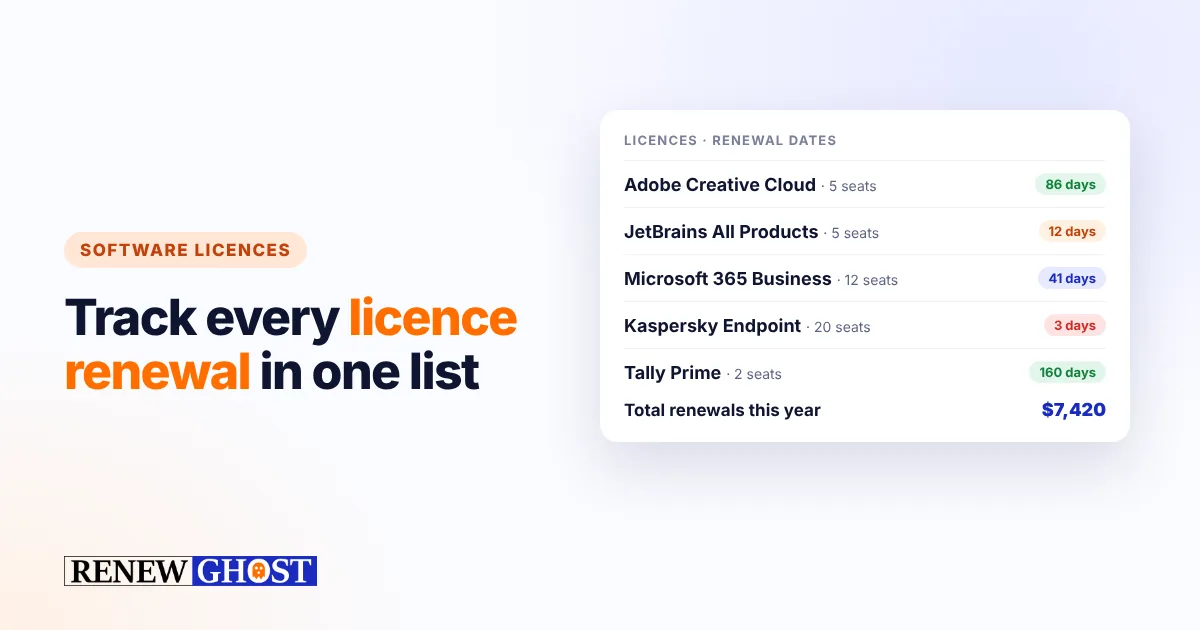
Software licence renewals: a simple tracking checklist for small businesses
Stop surprise renewals and lapsed licences. A practical checklist for tracking software licences, seats, owners and renewal dates in a small business.
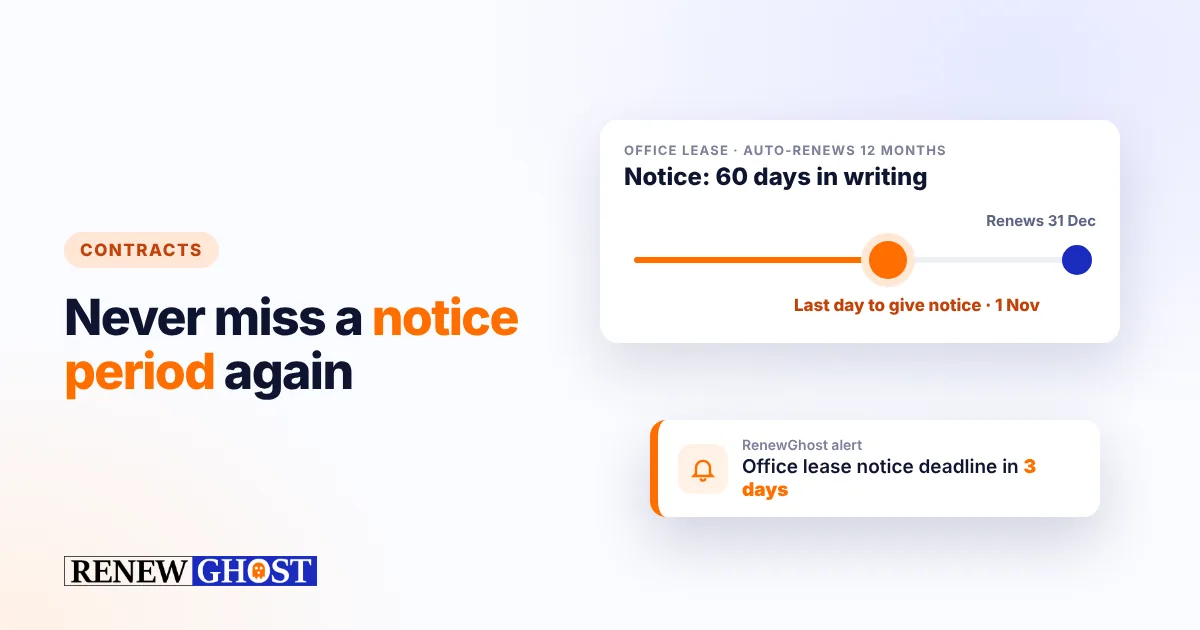
Contract renewal management: never miss a notice period again
Auto-renewing contracts lock you in if you miss the notice period. How to track contract end dates, notice deadlines and owners — and get reminded in time.
Comments
No comments yet — start the conversation.