
Software licence renewals: a simple tracking checklist for small businesses
Licences renew quietly, seats pile up, and the one tool everyone depends on lapses on a Friday afternoon. Here is a lightweight way to keep every licence under control.
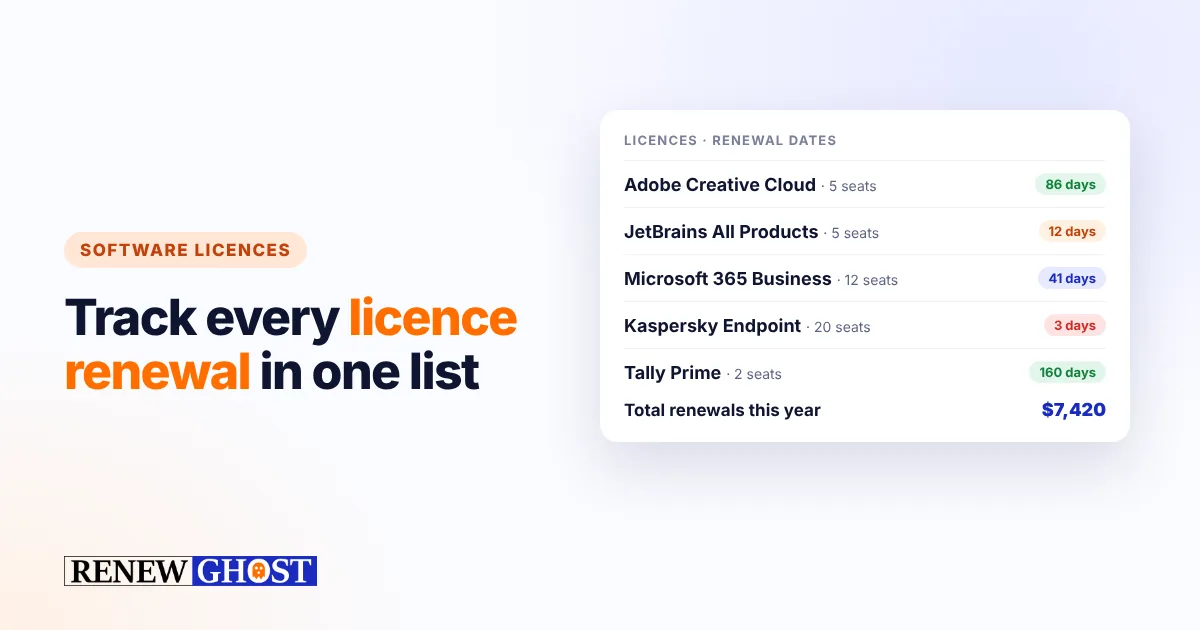
Every growing business collects software: design tools, accounting, antivirus, development tools, an ERP, a few plugins. Each one has a renewal date, a price, a number of seats and an owner — and most businesses keep that information in nobody’s head in particular.
The result is predictable: surprise charges for tools nobody uses, and the occasional lapse of a licence everyone depends on.
The real cost of not tracking licences
- Paying for unused seats. People leave, projects end, and seats keep renewing.
- Missing the cancellation window. Many annual contracts must be cancelled 30–90 days before they renew.
- Lapses at the worst moment. An expired antivirus, backup or design licence stops work until someone finds the account owner.
- Compliance risk. Using more installations than you are licensed for can be costly if a vendor audits you.
What to record for each licence
You do not need an asset-management system. For each licence, write down:
| Field | Why it matters |
|---|---|
| Product and edition | So you know exactly what you pay for |
| Renewal or expiry date | The date that triggers the charge or the lapse |
| Notice period | How early you must cancel or change the plan |
| Cost and currency | To see your total renewal spend at a glance |
| Seats / installations | To spot unused or missing seats |
| Owner | Who decides whether to renew |
| Where to renew | A link to the vendor portal or reseller |
A 30-minute licence audit
- Pull last year’s card and bank statements and list every software charge.
- Check the shared inbox for “renewal”, “licence key” and “subscription” emails.
- Ask each team which tools they could not work without.
- Fill in the fields above for every licence you find.
- Decide: keep, downgrade, consolidate or cancel.
Keep it current with alerts
The audit is only useful if someone looks at the dates again before they arrive. Put every licence into RenewGhost with its expiry date, cost and renewal link. You will get an email at 7, 3 and 1 day before each date and a weekly digest every Monday — and the dashboard shows your total renewal cost across everything you track.
A tip for annual contracts with a notice period: set the date in RenewGhost to the last day you can cancel, not the renewal date, so the alerts arrive while you can still act.
Frequently asked questions
What is the difference between a licence and a subscription? A perpetual licence lets you use a version forever but often has paid annual maintenance; a subscription stops working when you stop paying. Both have dates worth tracking.
How often should we review our software? A full review once or twice a year, plus a quick decision whenever a renewal alert arrives.
Can I share the list with my team? Yes. In RenewGhost you can invite teammates into a space so the person who owns each tool sees its alerts too. Start free with up to 10 items.
Keep reading
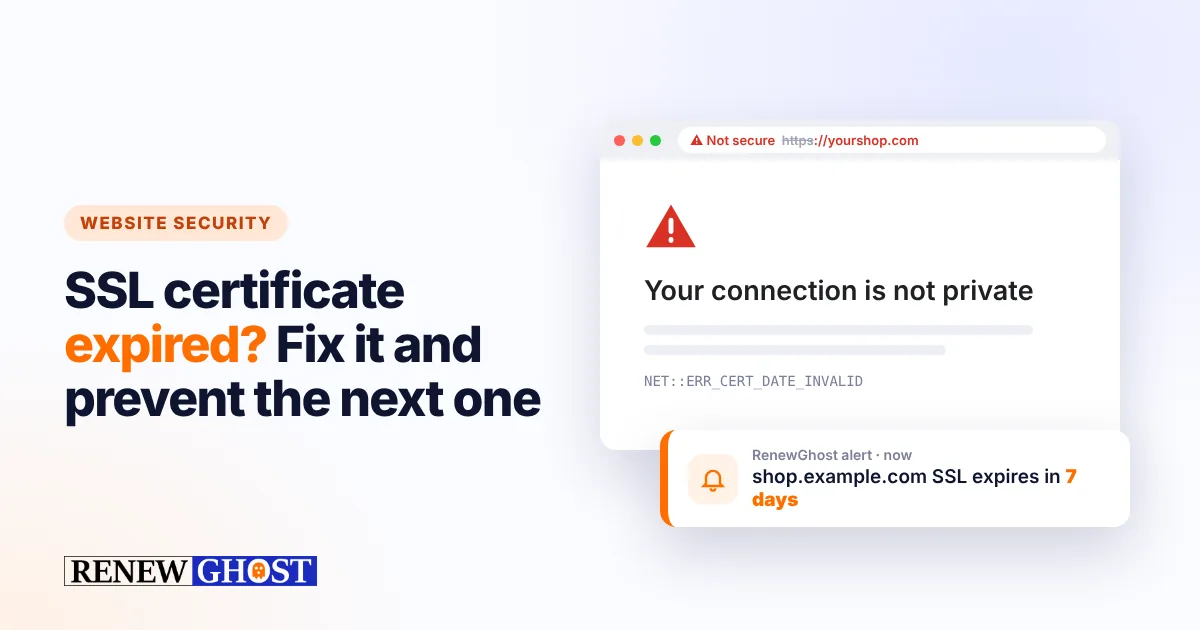
SSL certificate expired? What happens, and how to make sure it never does again
What visitors see when an SSL certificate expires, why it still happens with auto-renewal, how to fix it fast, and how to get alerts before the next one lapses.
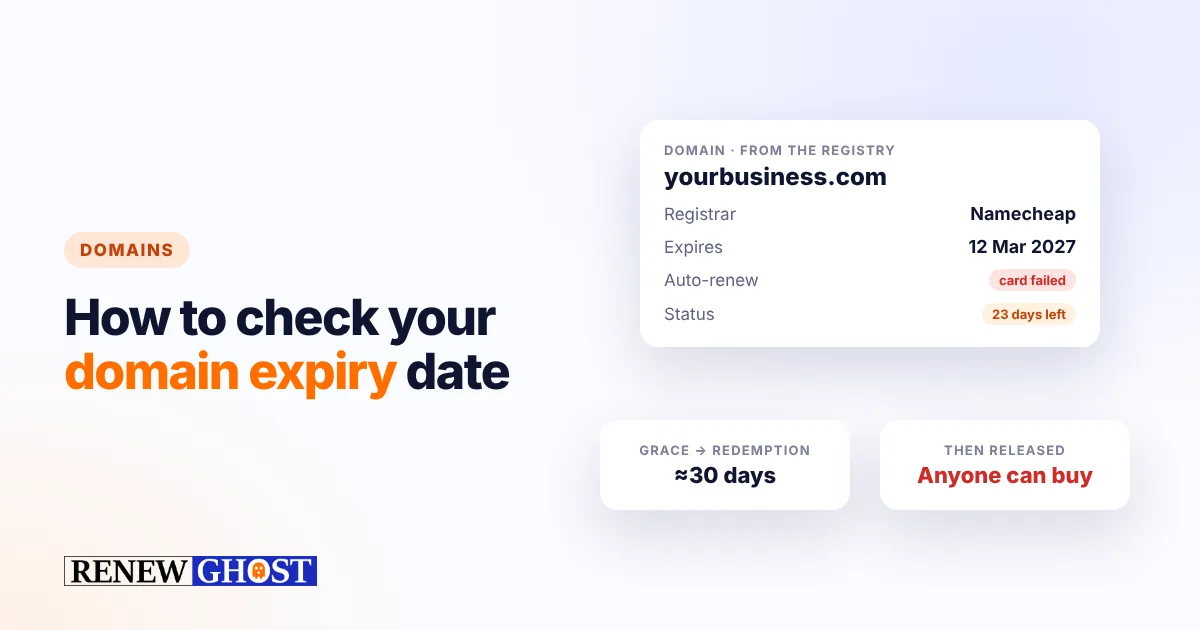
How to check your domain expiry date (and never lose a domain again)
Find your domain’s expiry date in a minute with WHOIS or RDAP, understand the grace and redemption periods, and set up alerts so a domain never lapses.
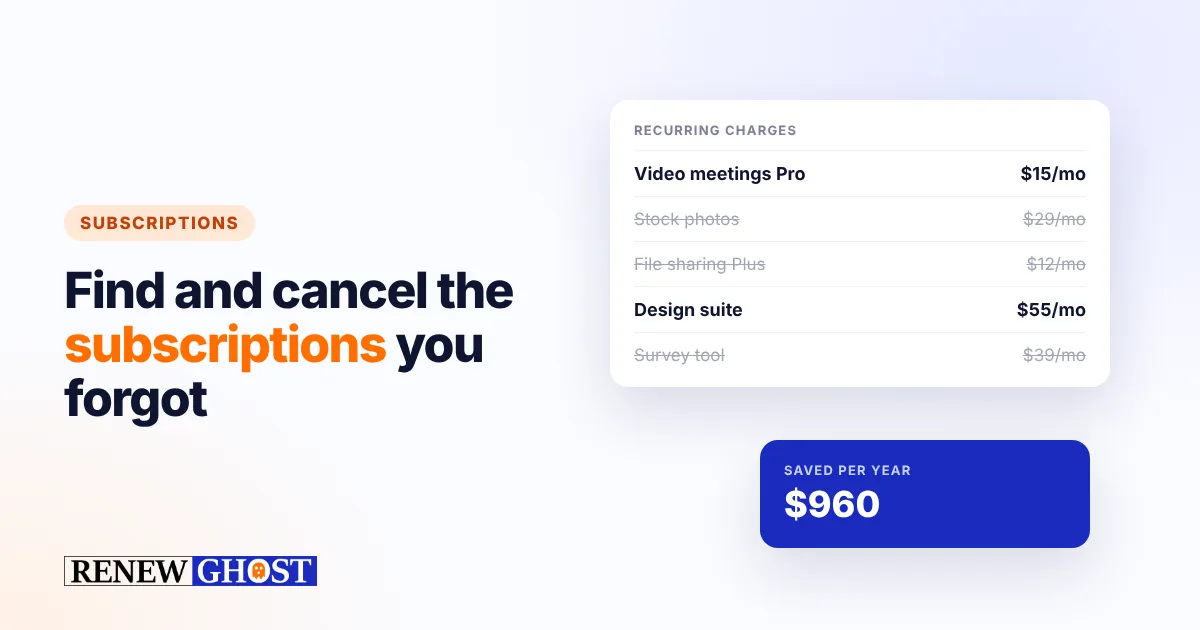
Subscription tracker: find and cancel the SaaS subscriptions you forgot about
Most businesses pay for subscriptions nobody uses. How to find every recurring charge, decide what to keep, and get reminded before the next renewal.
Comments
No comments yet — start the conversation.